
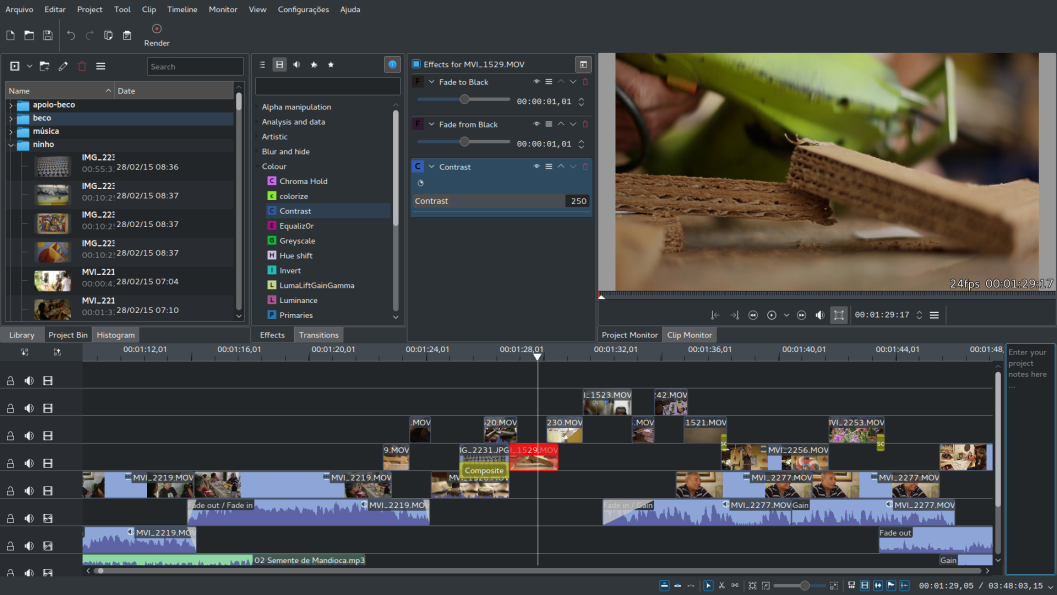
Kdenlive is an open source video editor. The project was started around 2003. Kdenlive is built on Qt and the KDE Frameworks libraries. Most of the video processing is done by the MLT Framework, which relies on many other open source projects like FFmpeg, frei0r, movit, ladspa, sox, etc…
Our software was designed to answer most needs, from basic video editing to professional work.
Kdenlive is developed by a small team and new contributors are welcome.
Technologies




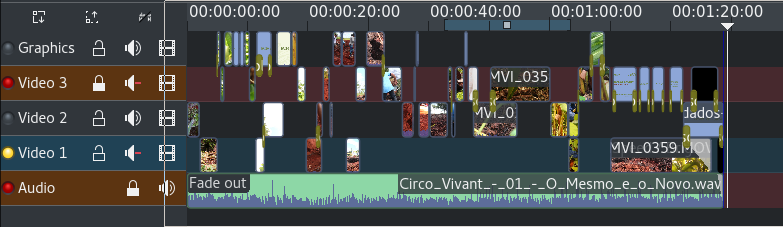
Multi-track video editing
Kdenlive allows you to use and arrange several audio and video tracks, each one can be locked or muted to your convenience.

Use any audio / video format
Being based on the powerful FFmpeg libraries, Kdenlive can use almost any audio and video formats directly without the need to convert or re-encode your clips.
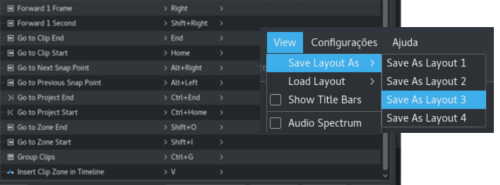
Configurable interface and shortcuts
You can arrange and save your custom interface layouts to fit your workflow.
Keyboard shortcuts can also be configured to match your preferences.
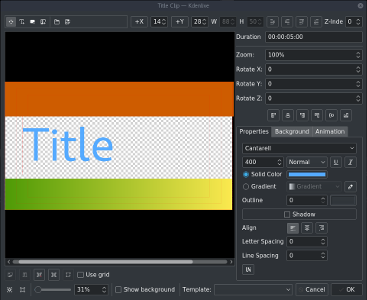
Titler
Create 2D titles for your projects, including:
- Align and Distribute;
- Letter-spacing and Line-spacing adjustment;
- System font selector including font-family support;
- Design features: Color, Shadows, Outlines and Gradients;
- Embedded Crawl and Roll tool for text animation;
- Unicode decoder;
- Rotate and Zoom;
- Add images;
- Template support;
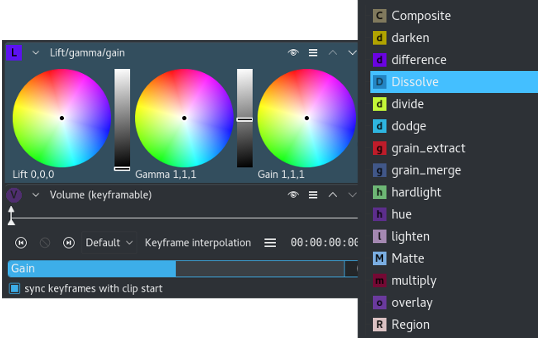
Many effects and transitions
Dozens of effects are available, ranging from color correction to audio adjustments, as well as all the standard transform options.
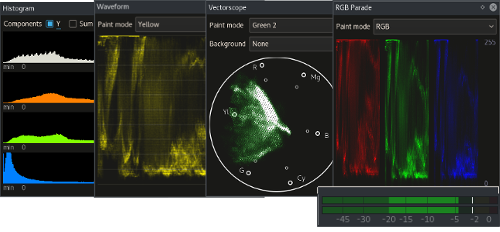
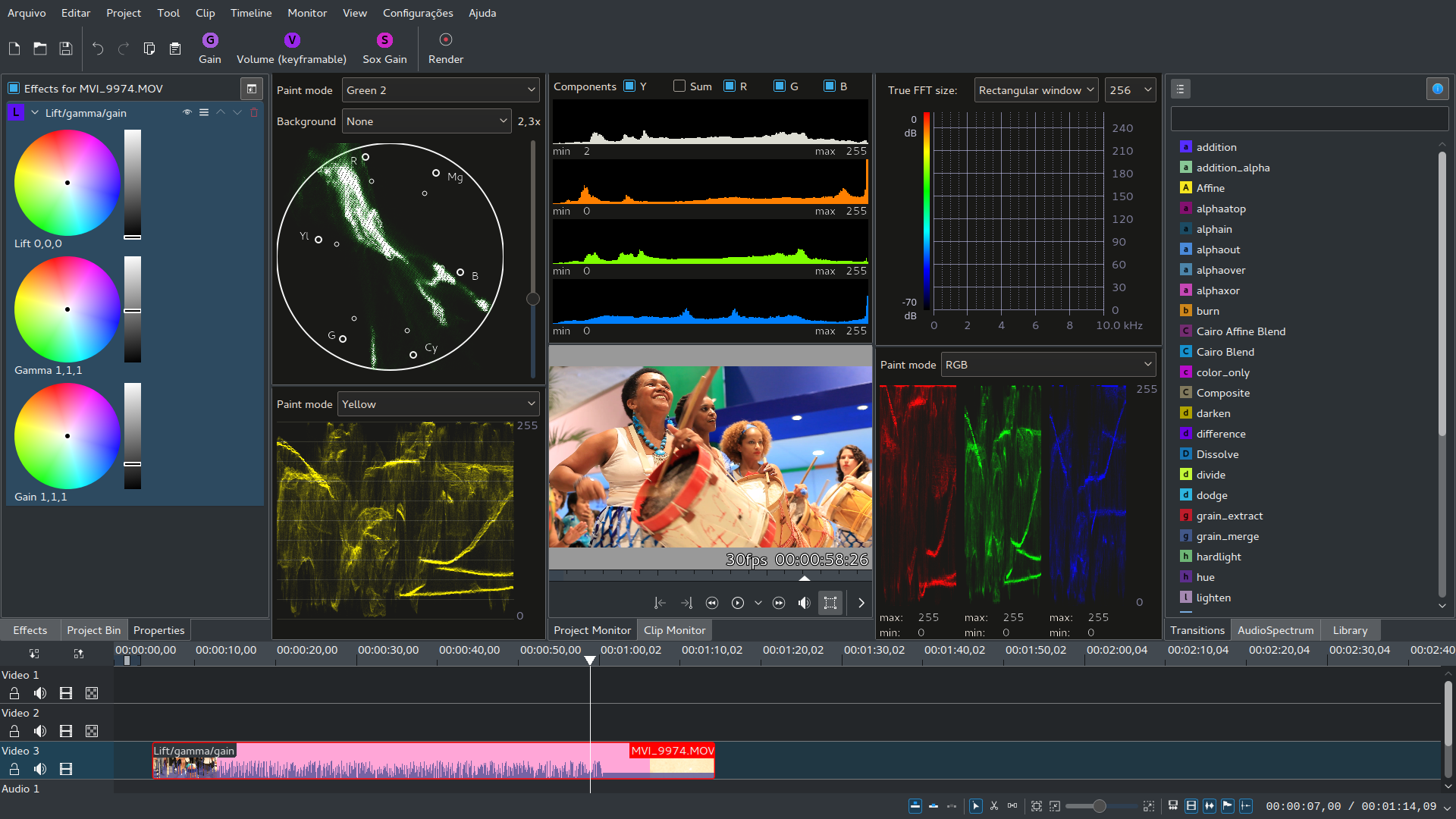
Audio and video scopes
Monitor your audio level or check the color scopes to make sure your footage is correctly balanced.
- Audio Meter
- Histogram
- Waveform
- Vectorscope
- RGB Parade
Proxy editing
Kdenlive can automatically create low resolution copies of your source clips to allow you doing the editing on any computer, and then render using full resolution.

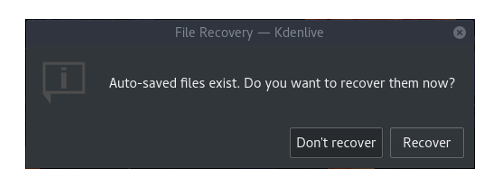
Automatic backup
Your project file is automatically backed up every few minutes, and older versions of the project file are also kept in case you need to roll back to a previous version.
Online resources
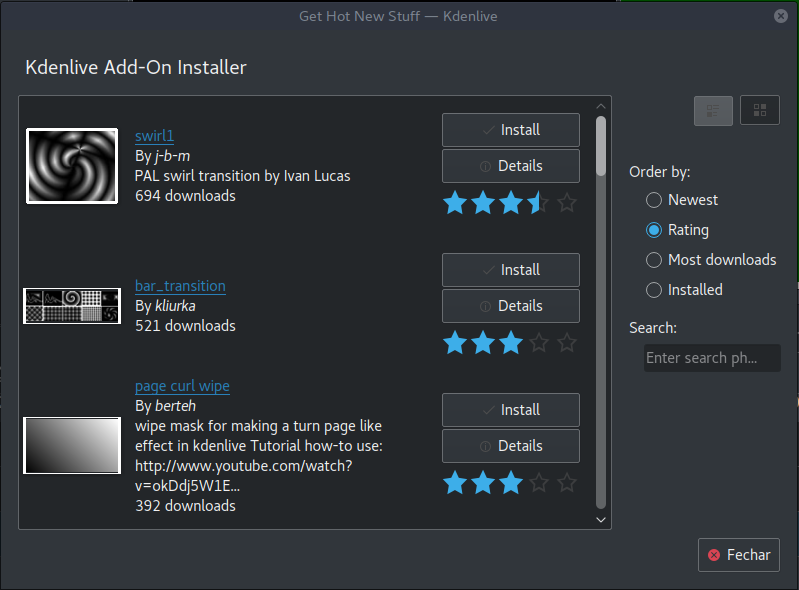
Download render profiles, wipes and title templates directly from the interface.
Timeline preview
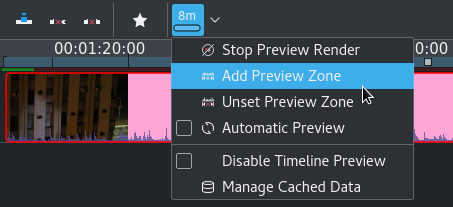
Sometimes when using hi-res footage or complex effects, real-time playback is not possible. Timeline preview allows you to pre-render parts of your timeline to get a perfectly smooth playback.
Keyframeable effects
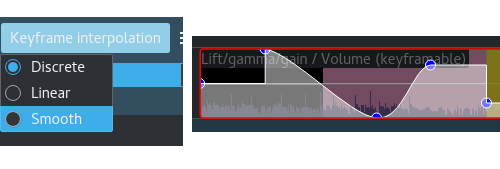
Most effects can be keyframed, allowing you to change the parameters over time, using linear or smooth curves to achieve the result you want.
Themable interface
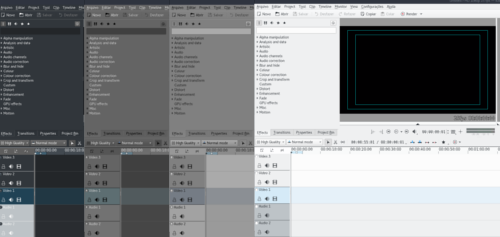
Flexible theming engine capable of a variety of light and dark themes.